Main setup areas
Think of Chatbot as one connected system instead of separate screens.
Core setup usually includes basic config, conversation starters, flows, knowledge sources, widget settings, testing, and publishing.
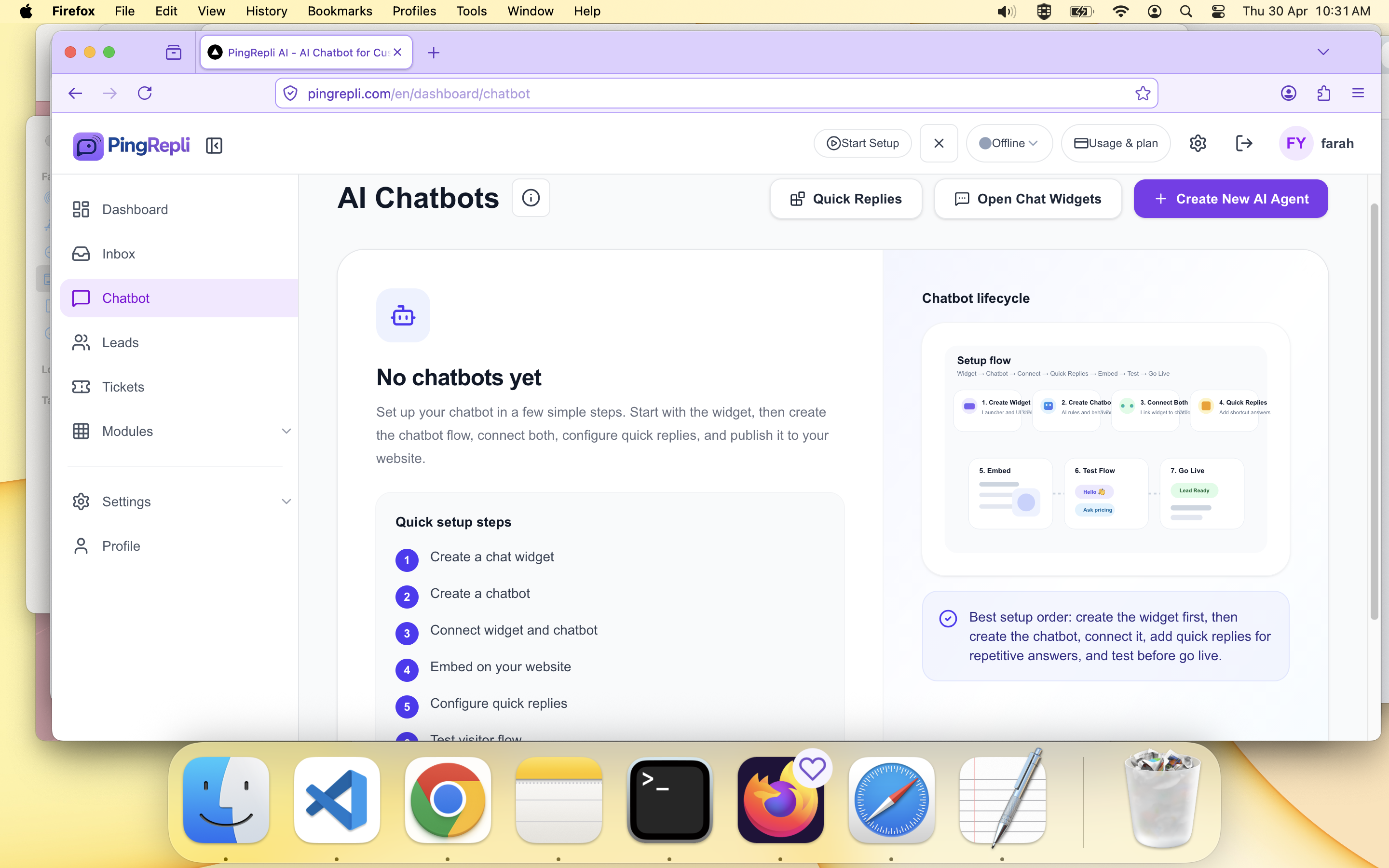
Chatbot main screen.
The Chatbot module is where you configure your AI agent, define starters, set up flows, add knowledge, and prepare the widget or chat page for real traffic.
Hero image path: /help/chatbot/chatbot-overview-hero.png
Think of Chatbot as one connected system instead of separate screens.
Core setup usually includes basic config, conversation starters, flows, knowledge sources, widget settings, testing, and publishing.
Chatbot main screen.
A practical setup order is: define the bot, add starters, connect flows if needed, add knowledge, then test and publish.
This helps reduce confusion during implementation and testing.
Recommended order
Basic config → starters → flows → knowledge → widget → test → publish.
Create Your First AI Agent
Set up the first chatbot with a clean, testable configuration.
Conversation Starters
Guide visitors into the right path with clear entry actions.
Flows
Use structured steps for repeated business journeys.
Knowledge Sources
Ground your AI agent with customer-safe business information.
Embed Widget
Connect your chatbot to the website widget experience.
Test and Publish
Validate the chatbot before sending live traffic.