Set up the widget
Make sure the greeting, appearance, and opening behavior match the business context.
A well-configured widget feels like part of the product, not a disconnected tool.
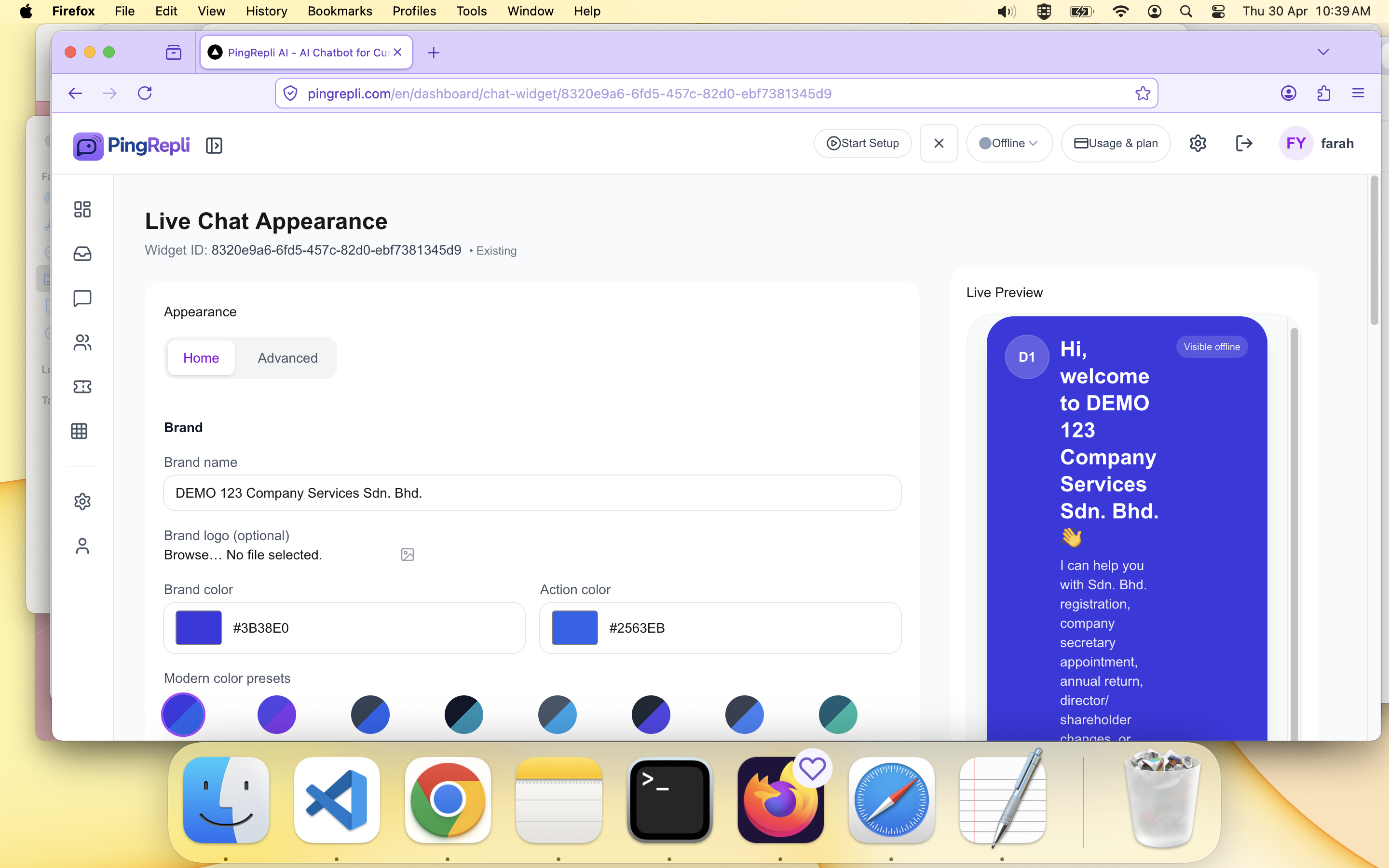
Widget setup screen.
Once your chatbot basics are ready, connect it to a widget or chat page so customers can interact with it.
Make sure the greeting, appearance, and opening behavior match the business context.
A well-configured widget feels like part of the product, not a disconnected tool.
Widget setup screen.
After the widget is configured, place the embed code in the target website or app surface.
Test the widget before going live to confirm the right chatbot and behavior appear.

Embed script block.